Can You Get Local Channels With Starlink
How Starlink Internet and a TV Antenna Work Together to Bring You Free Local Channels
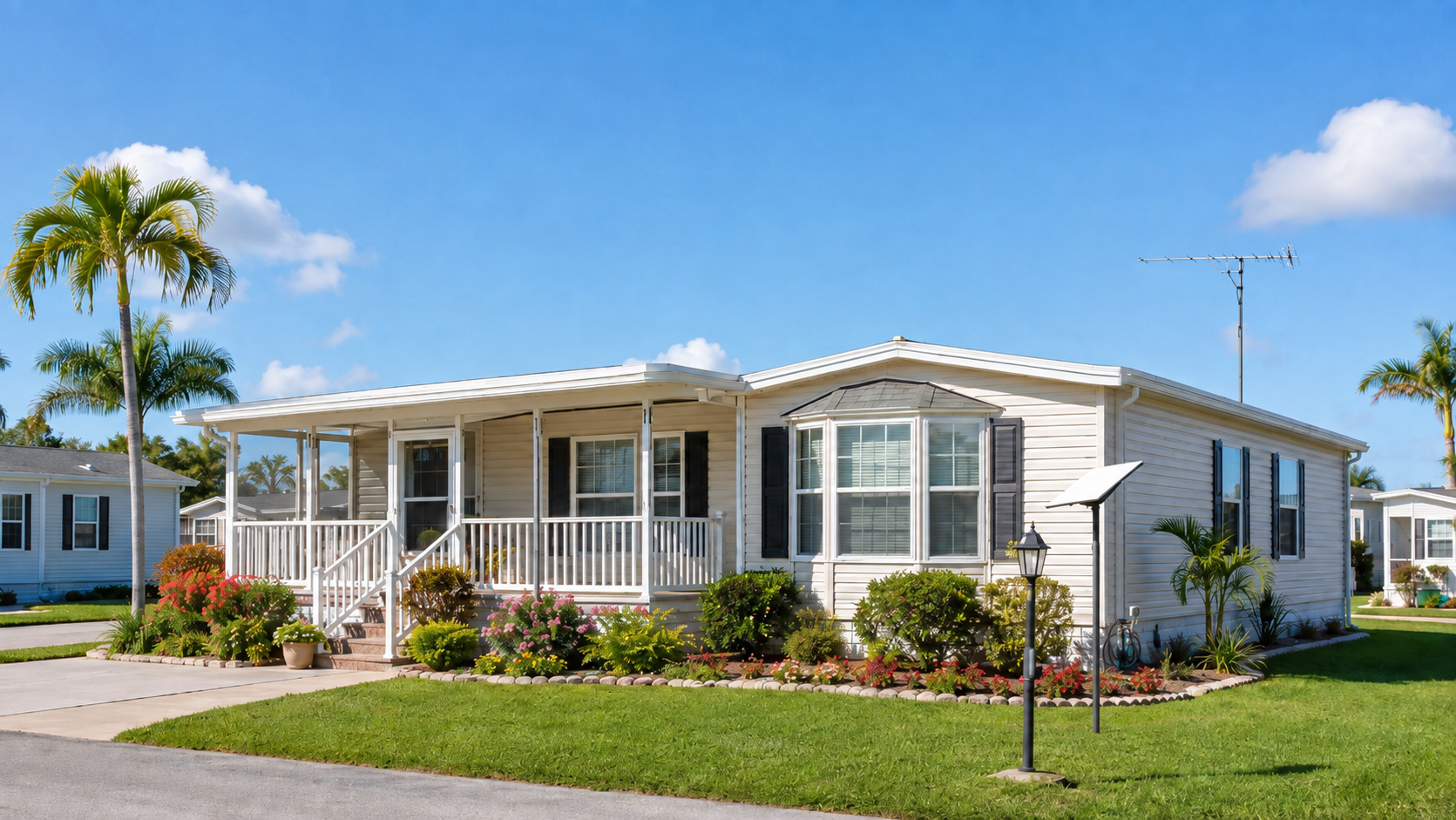
Starlink is an excellent option for high-speed internet in areas where cable or fiber service may be limited, but many homeowners have one important question: Can Starlink also provide their local TV channels? The answer is no — but Starlink and a properly installed TV antenna can work together extremely well. One provides your internet connection, while the other delivers free local broadcast television.
What Starlink Does and Does Not Provide for Local Channels
Many homeowners assume Starlink delivers local TV channels the way cable or satellite TV does.
It does not. Starlink is a satellite internet service. It provides broadband internet through a low-Earth-orbit satellite network, but it does not transmit local over-the-air broadcast signals for ABC, CBS, NBC, FOX, PBS, or other local stations.
Local broadcast television travels as a terrestrial digital signal from broadcast towers to a TV antenna. Starlink internet and over-the-air television are two completely separate systems.
Starlink and a TV antenna can, however, work extremely well together. Starlink provides the internet connection for streaming services, smart TVs, computers, and other connected devices. A properly installed TV antenna provides free local broadcast television with no monthly programming fee.
Streaming apps may also use location information, including your internet connection and account settings, to determine which local programming you can watch. With Starlink, that detected location does not always perfectly match the home's physical location. This can occasionally affect access to certain local news feeds or live sports in streaming apps. A TV antenna avoids that issue because it receives the local broadcast signal directly from nearby television towers.
Key Takeaway: Starlink provides internet. A TV antenna provides free local broadcast TV. Together, they can replace much of what many homeowners previously relied on cable for.
How a TV Antenna Fills the Local Channel Gap With Starlink
A TV antenna is one of the best ways to receive free local broadcast channels at your home. Over-the-air stations transmit digital television signals from broadcast towers throughout Central Florida. A properly installed antenna receives those signals and delivers them directly to your television through coaxial cable, with no monthly programming fee.
Signal strength varies from one property to another. Distance from the broadcast towers, terrain, tree cover, nearby buildings, antenna height, and the construction of your home can all affect reception. A professional reception evaluation can help determine which channels are realistically available at your specific address.
Advantages of using a TV antenna with Starlink:
- Free local broadcast channels with no monthly programming fee
- No dependence on internet geolocation for over-the-air channels
- Excellent digital picture quality when reception is strong
- Local television can continue working even if the internet goes down, provided your TV and antenna equipment still have power
Things to keep in mind:
- Available channels depend on your specific location
- Trees, terrain, buildings, and distance from towers can affect reception
- Not every local station can be received reliably at every property
- Some homes may require an outdoor antenna or professional installation for dependable reception
The important point is that Starlink and a TV antenna do different jobs. Starlink brings the internet into your home, while the antenna brings in local broadcast television. Together, they can provide a strong alternative to traditional cable service.
TV Antenna Installation in Central Florida: What to Expect
Professional TV antenna installation involves more than simply attaching an antenna to a roof or mast.
A qualified technician evaluates the property first so the antenna system is matched to the actual signal conditions at the home.
The process generally includes:
- Property evaluation. The technician reviews the address, identifies the direction of nearby broadcast towers, and considers possible obstructions such as trees, buildings, and terrain.
- Antenna selection. The antenna type and size are chosen based on the home's location and expected signal conditions.
- Mounting location. The technician selects a location that gives the antenna the best practical line of reception while keeping the installation secure and serviceable.
- Coaxial connection. The technician routes cable from the antenna to the television or whole-home distribution point, with proper weatherproofing and grounding.
- Signal verification. The technician checks the actual received signal and confirms which channels are available at the property before the job is complete.
Safety Note: Roof and tower work should not be attempted without proper training and safety equipment. Antenna installation can involve fall hazards, electrical hazards, and difficult working conditions that are best handled by an experienced technician.
How to Improve TV Signal Strength at Your Property
Weak TV reception can have several causes, so the right solution depends on what is actually reducing the signal.
Here are some of the most effective ways to improve reception:
- Improve antenna height or location. Raising an antenna can help clear trees, buildings, and other obstructions. However, higher isn't always better. Even a small change in height or position can sometimes improve or worsen digital reception because of reflected signals and multipath interference.
- Use the right directional antenna. If most of the broadcast towers serving your property are located in the same general direction, a properly aimed directional antenna may provide stronger and more reliable reception than a general-purpose antenna.
- Reduce signal loss in the coaxial cable. Long cable runs weaken the signal before it reaches the television. When a clean but weak signal must travel a long distance, a properly selected mast-mounted preamplifier near the antenna may help compensate for that loss.
- Check splitters and distribution equipment. Every splitter introduces some signal loss. If one antenna feeds several televisions, a distribution amplifier may compensate for losses caused by the splitter and multiple cable runs.
- Inspect connectors and cable. Corroded fittings, damaged coaxial cable, loose connections, and water intrusion can significantly reduce signal quality.
- Check for interference. LED lighting, electrical equipment, and some electronic devices can interfere with digital television reception.
- Have the system professionally tested. If channels have disappeared or reception has deteriorated without an obvious reason, a technician can measure the signal and determine whether the problem is the antenna, amplifier, cable, connectors, interference, or changes in the broadcast environment.
Pro Tip: Homes with heavy tree cover or low elevation may benefit from additional antenna height or, in some cases, a properly installed antenna tower. Determine the best mounting height based on actual reception conditions rather than installing the antenna as high as possible.
Bringing Starlink and Local TV Together
Starlink and a TV antenna can complement each other very well. Starlink provides high-speed internet for streaming, online services, and connected devices, while a properly installed TV antenna provides free local broadcast television from stations available at your property.
The right antenna system depends on your address, distance from broadcast towers, surrounding trees and buildings, and the actual signal conditions at your home.
John's Antennas has served Central Florida since 1983 and provides both professional TV antenna installation and Starlink installation. We can evaluate your property, recommend the right equipment, and help you combine reliable internet with free local broadcast television without relying on a traditional cable package.
Frequently Asked Questions
Does Starlink provide local broadcast TV channels?
No. Starlink is a satellite internet service. It delivers broadband connectivity to your home or property, but it does not transmit over-the-air broadcast signals from local stations like ABC, CBS, NBC, FOX, or PBS. To receive those channels for free, you need a TV antenna that picks up terrestrial broadcast signals from local network affiliates in your area.
Can a TV antenna work alongside my Starlink internet setup?
Yes, and this combination works well for cord-cutters. Starlink handles your internet connection for streaming services and online use, while a properly installed TV antenna receives free local broadcast channels over the air. The two systems are completely independent. You can watch live local news or sports on the antenna while using Starlink for everything else, without any conflict between the two.
How can I watch ABC, CBS, NBC, and FOX without a cable subscription?
A TV antenna is the most reliable way to receive those local broadcast channels for free. Where signal strength allows, an outdoor or attic antenna picks up high-definition digital signals from local network affiliates. Reception depends on your distance from broadcast towers, surrounding trees or structures, and antenna placement. A professional evaluation can tell you which channels are receivable at your specific address before any installation takes place.