How to Troubleshoot a Weak TV Antenna Signal
Simple checks Central Florida homeowners can make before calling for professional TV antenna service.
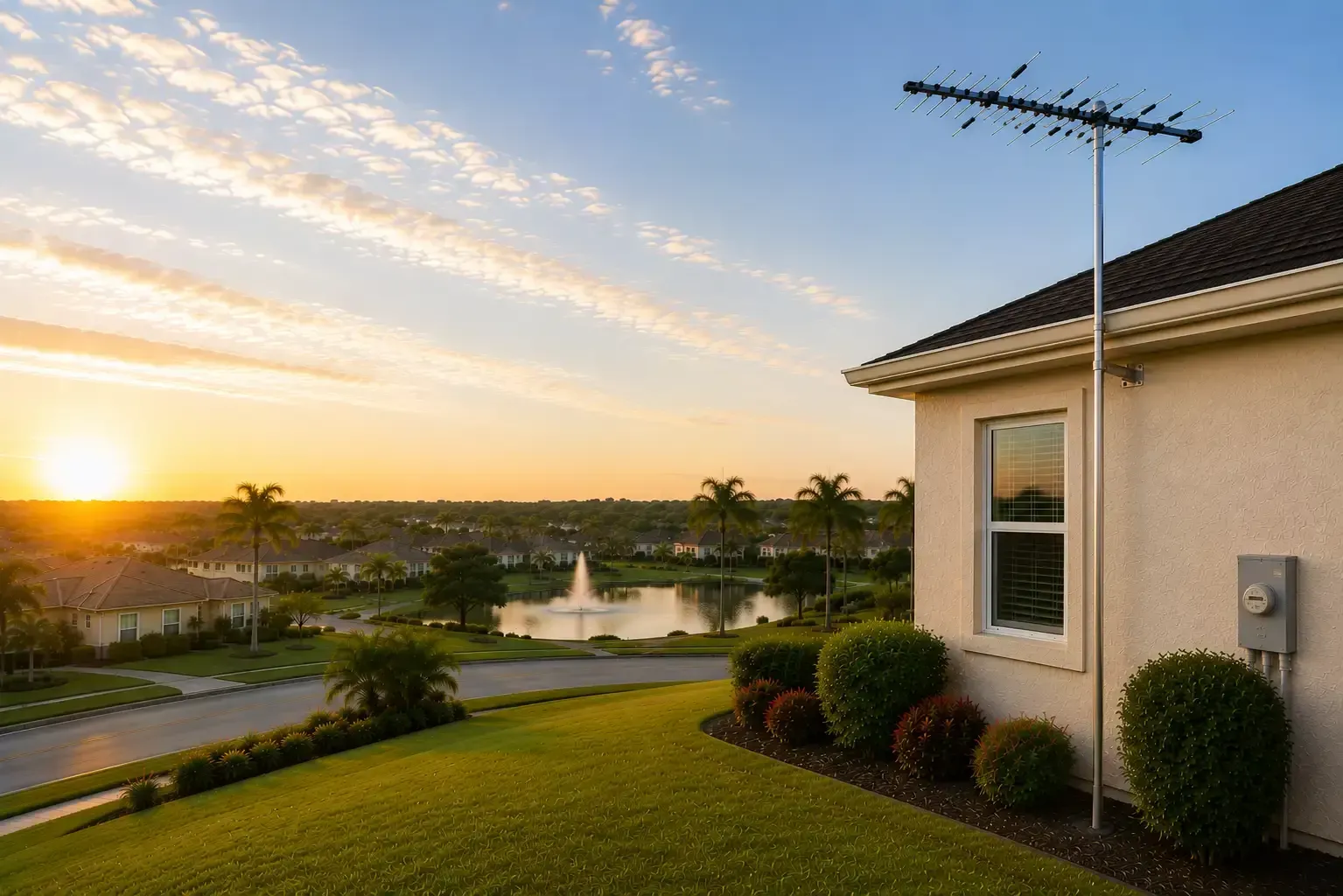
A weak TV antenna signal is one of the most common complaints from cord-cutters who want free local broadcast channels like ABC, CBS, NBC, FOX, and PBS. At John’s Antennas, we’ve helped Central Florida homeowners diagnose and fix reception problems since 1983. Below, we’ll walk through what typically goes wrong, what you can safely check yourself, and when it’s time to call a professional.
Common Causes of TV Signal Interference
Several factors can degrade your OTA antenna's signal strength before it reaches your TV's tuner.
Physical obstructions are the leading culprit. Trees, especially dense oak canopies common in Central Florida, block or scatter the digital signal between your antenna and the broadcast tower. Unlike analog TV, digital reception has a “cliff effect.” As the signal gets weaker, you may see pixelation, freezing, audio breakup, or channels disappearing completely. Lose enough signal strength, and the picture freezes or disappears entirely.
Distance from broadcast towers matters too. The further your home sits from the towers in your area, the weaker the incoming signal. Rural properties may need a higher-gain outdoor antenna rather than a small indoor antenna.
Multipath interference happens when a signal bounces off buildings or water towers and arrives at your antenna from multiple angles. The tuner sees conflicting versions of the same frequency and struggles to decode the picture cleanly.
Coaxial cable problems are surprisingly common. Damaged shielding, corroded connectors, or cable runs that are too long all weaken the signal before it reaches the TV.
Splitters divide the signal between multiple televisions. Every splitter introduces some signal loss. If the incoming signal is already marginal, feeding several TVs through passive splitters can cause reception problems on some sets.
Safe Checks You Can Do to Fix Your TV Antenna Signal
Several factors can degrade your OTA antenna's signal strength before it reaches your TV's tuner.
Physical obstructions are the leading culprit. Trees, especially dense oak canopies common in Central Florida, block or scatter the digital signal between your antenna and the broadcast tower. Unlike analog TV, digital reception has a “cliff effect.” As the signal gets weaker, you may see pixelation, freezing, audio breakup, or channels disappearing completely. Lose enough signal strength, and the picture freezes or disappears entirely.
Distance from broadcast towers matters too. The further your home sits from the towers in your area, the weaker the incoming signal. Rural properties may need a higher-gain outdoor antenna rather than a small indoor antenna.
Multipath interference happens when a signal bounces off buildings or water towers and arrives at your antenna from multiple angles. The tuner sees conflicting versions of the same frequency and struggles to decode the picture cleanly.
Coaxial cable problems are surprisingly common. Damaged shielding, corroded connectors, or cable runs that are too long all weaken the signal before it reaches the TV.
Splitters divide the signal between multiple televisions. Every splitter introduces some signal loss. If the incoming signal is already marginal, feeding several TVs through passive splitters can cause reception problems on some sets.
Safe Checks You Can Do to Fix Your TV Antenna Signal
Several useful checks don't require climbing anything.
Start at the TV itself. Check that the coaxial cable is firmly screwed into the antenna input on the back of the set. A loose connection causes intermittent signal loss that can look like a broadcast tower problem.
Run a channel rescan only when appropriate. A rescan can help after a station changes frequencies or when your TV's saved channel information is outdated. However, a rescan does not improve antenna signal strength. If reception is weak during the scan, the TV may remove channels it previously received from memory. When possible, check connections and reception issues first.
Check your smart TV's tuner settings. Some smart TVs default to cable or streaming input rather than the antenna tuner. Confirm the input source is set to “Antenna” or “Air” rather than “Cable.”
Inspect visible cable runs. Walk along any coaxial cable you can see inside the home. Look for sharp bends, pinched spots, or sections that look chewed or cracked. Damaged shielding lets interference in and signal out.
Use a signal-mapping app. Free tools like the FCC's DTV Reception Maps tool show which broadcast towers are near your address and in which direction they sit. Knowing where the towers are helps you understand whether your antenna is pointed the right way.
Pro Tip: If reception changes at about the same time every day, make a note of weather conditions, temperature, and which channels are affected. A marginal antenna system, electrical interference, propagation changes, a failing amplifier, or an intermittent connection can all produce repeating reception problems.
TV Antenna Signal Booster Troubleshooting
A signal amplifier can help in some situations, but it's not always the right fix.
A preamplifier mounts at the antenna itself and boosts the signal before it travels down the coaxial cable. This is useful when the cable run is long or when you're splitting the signal to multiple TVs.
A distribution amplifier is normally used farther downstream to compensate for losses caused by splitters and multiple TV outlets. A mast-mounted preamplifier is used near the antenna when a clean but weak incoming signal needs amplification before traveling through cable and splitters. Neither type of amplifier can repair a poor-quality signal or compensate for an improperly aimed antenna.
The most common mistake with signal boosters is adding one when the problem is actually too much signal. Properties close to broadcast towers can experience overload, where the tuner receives a signal so strong it distorts.
Watch Out: Adding a signal amplifier to an already-strong signal can cause more channel loss than you started with. If you're close to the broadcast towers and losing channels, amplification is likely not the solution. A professional can measure actual signal levels before recommending a booster.
If you already have a preamplifier installed, check that its power inserter is plugged in and working.
When to Call Professional Antenna Repair Services
Some reception problems cannot be fixed from inside the house.
Antenna aiming requires measurement and adjustment at the antenna itself. This is not a job for a homeowner on a ladder. Roof work carries serious fall risk, and a misaligned antenna by even a few degrees can mean the difference between a solid signal and no signal at all.
Physical antenna damage from wind, lightning, or corrosion requires hands-on inspection. A damaged reflector element or corroded mounting hardware can degrade signal even when the antenna looks fine from the ground.
Grounding and lightning protection should always be handled by a professional.
An outdoor antenna that is not properly grounded is a lightning risk to the home. Correct grounding follows the requirements set by the National Electrical Code. Proper grounding and bonding reduce electrical and static-discharge hazards, but they do not make an antenna system immune to a direct lightning strike.
Persistent intermittent signal loss that you cannot trace to a cable or connector problem often points to a failing preamplifier, a corroded ground block, or an antenna that has shifted on its mount. Diagnosing these issues requires signal-level testing equipment that most homeowners don't have.
John's Antennas has served Central Florida since 1983 and offers professional TV antenna repair, service, and installation for homeowners throughout the region.
Frequently Asked Questions
Weak TV antenna signal rarely has just one cause. The fix might be as simple as reseating a coaxial cable or correcting a TV tuner setting, or it may require professional antenna aiming, a new preamplifier, or a higher-gain outdoor antenna matched to your specific location.
Why is my TV antenna signal weak all of a sudden?
A sudden drop in TV antenna signal can be caused by a loose or corroded coaxial connection, damaged cable, an antenna that shifted in wind, a failing amplifier, or a change at the broadcast station. Check the coaxial connections and reception conditions first. A channel rescan can help if a station has changed frequencies or the TV's stored channel information is outdated, but it will not improve a weak antenna signal.
How can I strengthen my TV antenna signal without climbing on the roof?
Start indoors. Check every coaxial cable connection for tightness, inspect visible cable for damage, and remove any unnecessary splitters. If the connections look good and you have reason to believe the TV's stored channel list is outdated, run a channel rescan. A properly selected preamplifier may help compensate for signal loss over long cable runs. For anything involving the antenna on the roof or in the attic, contact a professional.
When should I hire a professional for antenna repair?
Call a professional when you have checked the accessible cable connections and still have weak or intermittent reception. Other signs include a physically damaged antenna, a mount that shifted after a storm, or channels that repeatedly disappear. A technician can measure signal levels, check preamplifier performance, and properly aim the antenna toward the appropriate broadcast towers.
Still Having TV Antenna Reception Problems?
Weak TV antenna reception can have several causes, and the correct solution depends on your location, antenna system, cable runs, nearby obstructions, and actual signal levels.
John’s Antennas has served Central Florida since 1983. If you’re still experiencing missing channels, pixelation, freezing, or intermittent reception after checking the basics, contact us for professional TV antenna repair and service.
We can evaluate your antenna system, measure the signals at your property, and recommend the right solution without the guesswork.