How to Combine Antenna and Streaming Services in 2026
How to Combine Antenna and Streaming Services in 2026

how-to
·
How-to
How to Combine Antenna and Streaming Services in 2026
JP
John Pearce· Content Writer
Sep 10, 2026
5 min read867 words
Get Free Local TV With an Antenna — Then Stream the Rest
If you are trying to lower your TV bill in 2026, you do not have to choose between a TV antenna and streaming.
You can use both.
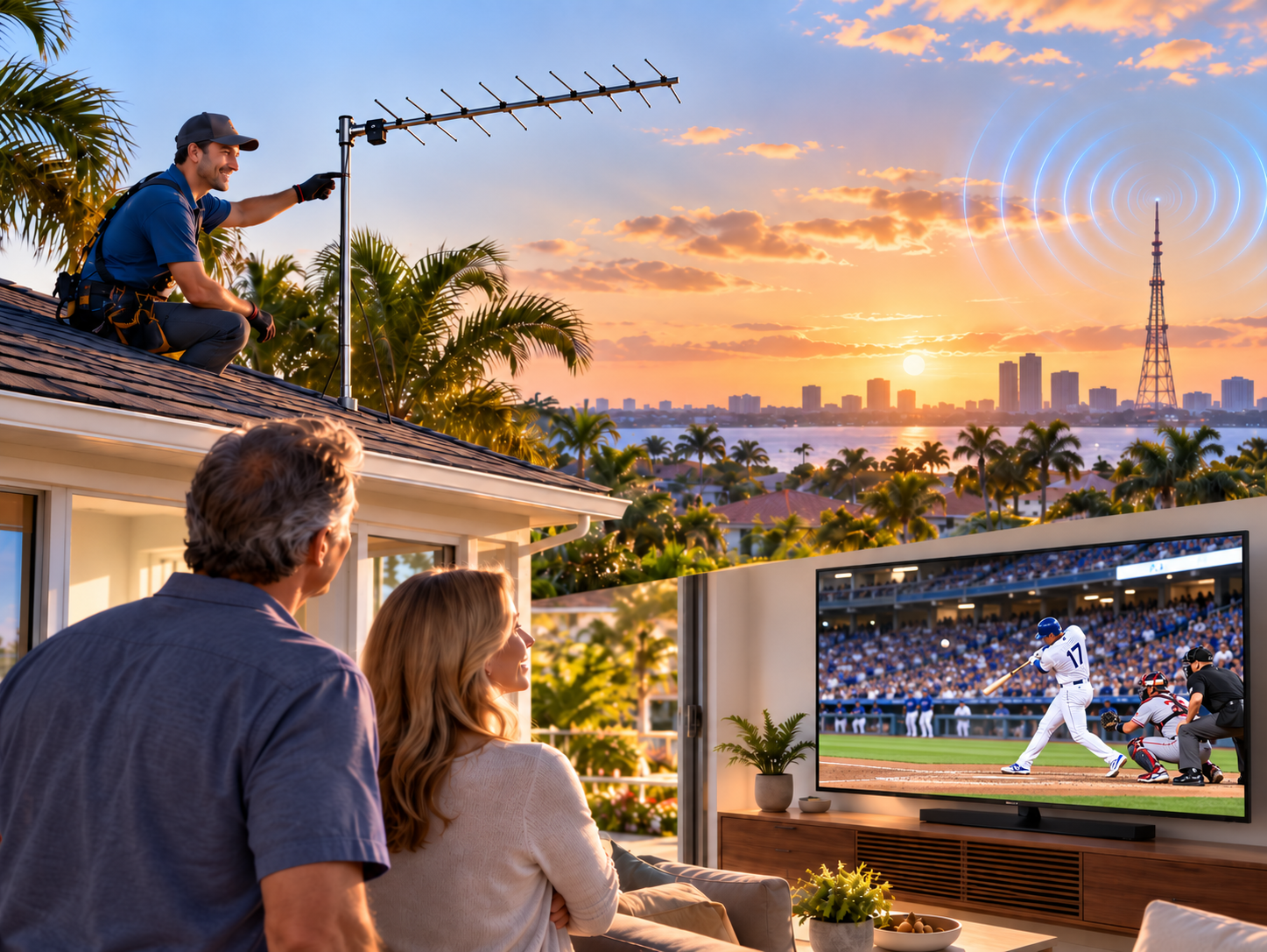
In fact, for many Central Florida homeowners, combining a professionally installed TV antenna with streaming services can be one of the best ways to cut the cable without giving up the programs they enjoy.
The idea is simple:
Use a TV antenna to access local broadcast channels at home. Use streaming for movies, specialty programming, and shows that are not available over the air.
Instead of replacing an expensive cable package with another expensive live-TV package, you can build your own combination of free local television and the streaming services you actually use.
John's Antennas has installed and serviced television antenna systems in Central Florida since 1983. One of the questions we hear regularly is:
“Can I use an antenna and Roku or streaming at the same time?”
Absolutely.
Can You Use a TV Antenna and Streaming at the Same Time?
Yes.
Your antenna and your streaming service perform two different jobs.
A TV antenna receives free, over-the-air television signals from local television towers.
Depending on your location and reception conditions, available stations may include networks such as:
- ABC
- CBS
- NBC
- FOX
- PBS
- The CW
- MeTV
- ION
- Antenna TV
- Grit
- COZI TV
- Court TV
- Additional local digital subchannels
Broadcasters don't charge a monthly subscription fee to receive an available over-the-air TV signal with an antenna.
Streaming, on the other hand, comes through your internet connection.
That can include Netflix, Prime Video, Hulu, Disney+, Peacock, Paramount+, YouTube, and many other free and paid streaming services.
The antenna doesn't replace streaming, and streaming doesn't necessarily replace the antenna.
They can work together.
Why Combine an Antenna With Streaming?
One of the original reasons people cut the cable was to save money.
But cord-cutting has changed.
Many customers come into our showroom after realizing their streaming bill is as much as, or more than, what they paid for cable or satellite.
Live-TV streaming packages can be particularly expensive because they are designed to replace much of a traditional cable or satellite package.
If the main reason you are paying for a live-TV service is to receive your local ABC, CBS, NBC, FOX, and other broadcast stations, it may be worth finding out what you can receive with an antenna first.
Then you can decide which streaming services are actually worth paying for.
For example, instead of buying one large television package, a household might use:
TV Antenna: Local broadcast television
Netflix: Movies and series
Prime Video: Movies and original programming
Peacock or Paramount+: Selected programming and sports
Free streaming apps: Additional movies, news, and entertainment
You choose the combination that fits what you actually watch.
What Channels Can a TV Antenna Replace?
This depends entirely on where you live.
Unlike cable or satellite television, antenna reception depends on the television signals that can reach your property.
Here in Central Florida, reception can vary considerably from one neighborhood to another.
Your results can be affected by:
- Distance from the television towers
- Direction of the towers
- Trees and heavy vegetation
- Terrain
- Nearby buildings
- Roofing and construction materials
- Antenna mounting height
- Type of antenna
- Coaxial cable loss
- Splitters
- Amplifiers
- Number of TVs connected to the system
That is why John's Antennas does not recommend choosing an antenna simply because a box says “100-mile range” or some other large mileage number.
The important question is:
What television signals are actually available at your house, and what antenna system is appropriate for receiving them?
Do You Still Need YouTube TV, Hulu + Live TV, or Another Live-TV Service?
Maybe — but not necessarily.
This is where combining antenna and streaming can save some households a substantial amount of money.
If you need a particular cable network or sports channel, a live-TV streaming package may still make sense.
But if you mainly use it to receive local broadcast stations, first determine whether those stations are available over the air at your home.
You may discover that an antenna provides much of the live television you watch most often.
Then you can use less expensive streaming services for the rest.
The goal isn't to eliminate every subscription.
The goal is to stop paying for television you don't watch.
How Do You Connect an Antenna and Streaming to the Same TV?
In many homes, it is very simple.
If You Have a Smart TV
Connect the antenna coaxial cable to the television's ANT IN, RF IN, AIR, or similarly labeled antenna connection.
Then use the television's menu to run an antenna channel scan.
Your smart TV can continue using its built-in streaming apps over Wi-Fi or Ethernet.
You don't need to disconnect the antenna when you want to stream.
If You Use a Roku, Fire TV, or Other Streaming Device
The antenna normally connects to the TV's antenna/coax input.
Connect the Roku, Fire TV, or other streaming player to an HDMI input.
Then select what you want to watch on your television.
For example:
Antenna/Live TV: Local television
HDMI 1: Roku or Fire TV
A Roku Streaming Stick or similar streaming player does not normally receive the coax cable from your antenna directly.
The antenna connects to the television or to a separate network tuner.
What About a Roku TV?
A Roku TV is different from a Roku Streaming Stick or separate Roku player.
A Roku TV has the Roku operating system built in and includes an antenna input.
You connect the antenna coax directly to the Roku TV, perform a channel scan, and the available antenna channels appear in the television's Live TV section.
Your streaming apps are also available from the Roku home screen.
This makes switching between antenna TV and streaming very convenient.
Can I Make Antenna TV Work More Like
Streaming?
Yes.
This is where products like Tablo can help.
A Tablo connects to your television antenna and your home network.
Instead of running the antenna signal directly to every television, compatible TVs and streaming devices can access the antenna programming through the Tablo app over your home network.
Depending on the Tablo model and system configuration, this can also provide DVR features so you can record available over-the-air programs and watch them later.
For some homes, this is an excellent way to combine traditional antenna reception with a modern streaming-style television experience.
Can One Antenna Serve Several TVs?
Yes.
There are two primary ways we can do it.
Traditional Coax Distribution
You can distribute the antenna signal through coaxial cable to multiple televisions.
The system may require properly selected splitters and, in some installations, amplification to compensate for distribution losses.
More amplification is not always better. Too much signal can cause problems just as too little signal can.
Network Distribution
A network tuner such as Tablo can receive the antenna signal and distribute programming through your home network to compatible devices.
This can be particularly helpful in homes where running new coaxial cable to every television would be difficult.
Which system is best depends on the house, available signal strength, number of televisions, existing wiring, and home network.
Do I Still Need Internet If I Have a TV Antenna?
You need internet for streaming.
You don't need an internet connection to receive normal over-the-air television broadcasts on a TV connected directly to an antenna system.
That distinction can be important.
If your internet service goes down, your streaming services normally go down with it.
But your directly connected antenna can continue receiving available local over-the-air broadcasts as long as the television, antenna system, and electricity are working.
That can be useful during severe weather or internet outages when access to local news and weather coverage may be important.
What About NFL Football and Other Sports?
Sports are another good reason to consider combining antenna and streaming.
Many NFL games, college football games, and other major sporting events are still carried by local broadcast stations such as ABC, CBS, NBC, and FOX.
When a game is being carried by a local station that you can receive with your antenna, you can watch that over-the-air broadcast without paying a monthly television subscription for that station.
But television sports are changing.
Some games are now exclusive to particular streaming services or cable networks.
That means an antenna may not give you every game you want to watch.
A combination often works better:
Use the antenna when the game is on local broadcast TV.
Use the appropriate streaming service when a game is streaming-only.
You don't have to make the antenna do everything to save money.
Can an Antenna Work With Starlink Internet?
Yes.
A TV antenna and Starlink perform completely different functions.
Starlink provides internet service.
The television antenna receives over-the-air television broadcasts.
You can use Starlink for Netflix, Prime Video, YouTube, and your other streaming apps while using a TV antenna for available local television stations.
This combination can be especially useful in rural areas where homeowners have good Starlink internet service but don't want to buy a large live-TV streaming package just to watch local television.
Will an Indoor Antenna Work?
Sometimes.
If you live close to the towers with strong, unobstructed signals, an indoor antenna may be all you need.
But Central Florida can present some challenging reception conditions.
Trees are one of the biggest problems we see.
A signal report may show that a television tower is within a reasonable distance, but a heavily wooded property can still have reception problems.
In other locations, an attic antenna may work very well.
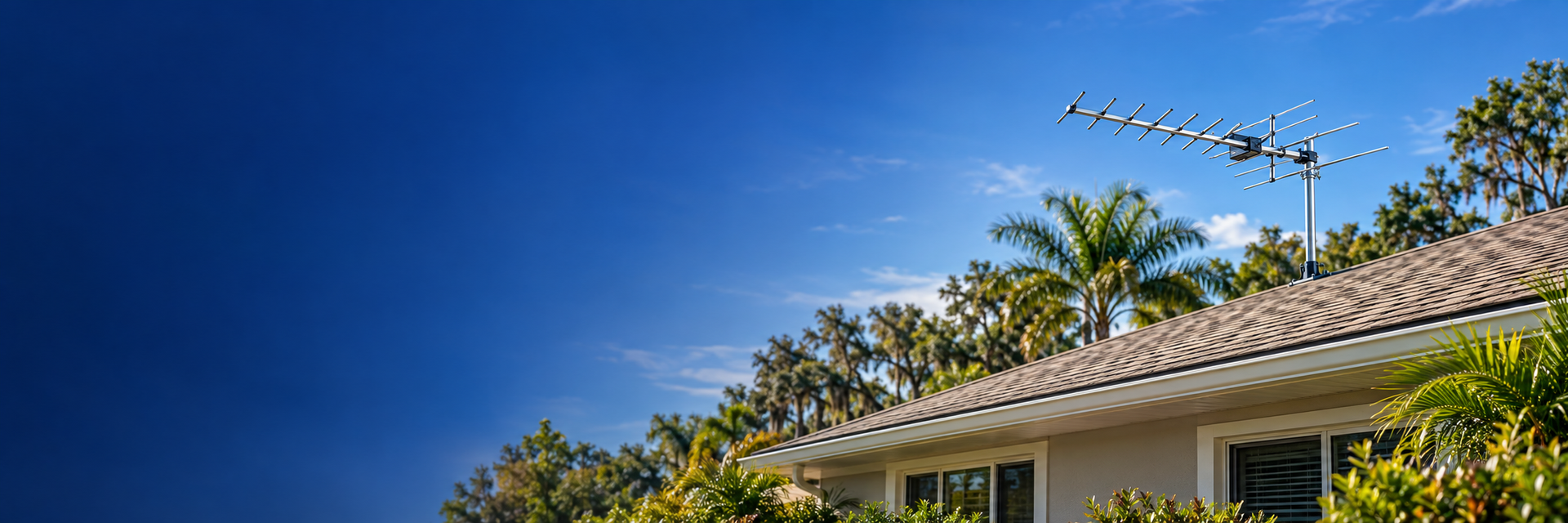
And in more difficult locations, the answer may be a properly selected outdoor antenna mounted high enough to improve the signal path.
There is no single antenna that is best for every home.
Don't Assume a Bigger Amplifier Will Fix Poor Reception
This is another common misunderstanding.
An amplifier does not create a television signal that isn't there.
Its job is generally to compensate for signal loss in the system.
If the antenna is receiving a poor-quality signal because of trees, terrain, incorrect antenna selection, or bad placement, simply installing a stronger amplifier may make the problem worse.
A properly designed antenna system starts with receiving the cleanest signal reasonably possible at the antenna.
Then we determine whether you need amplification.
How Much Money Can Antenna and Streaming Save?
That depends on what you are paying now and which services you decide to keep.
Here is a simple way to look at it.
If eliminating or reducing a television service saves you $70 per month, that equals $840 per year.
If you keep an antenna system for several years, the savings can add up quickly.
But we don't recommend canceling anything until you know which television channels you can reliably receive at home and which streaming services you still need.
Make the antenna part of a plan — not a guess.
The Best Setup Is Different for Every Home
For one customer, the right solution might be:
Outdoor antenna + Smart TV
For another:
Attic antenna + Roku TV
Another home may work best with:
Outdoor antenna + Tablo + several streaming devices
And a rural property might use:
Outdoor TV antenna + Starlink + Wi-Fi distribution
And many customers find that all they need is:
Just a TV antenna connected to every TV in the home!
The important part is designing the system around the property and what the homeowner actually wants to watch.
Find Out What TV Channels You May Be Able to Receive
John's Antennas, a division of International Satellite & Antenna Service, A-SAT Incorporated, has served Central Florida since 1983.
John's Antennas sells hundreds of TV antennas and DIY antenna kits across the country every year, but we also install and service TV antenna systems throughout Central Florida.
Before choosing an antenna, call John at the Ocala showroom. I will help you find your local television towers, see which stations may be available at your location, and determine the right type of antenna installation for your property.
If your goal is to cut the cable cord, we can also help you understand how an antenna can work alongside the streaming equipment you already own.
You don't have to choose between an antenna and streaming.
For many homeowners, the best solution is to use both.
Ready to See What Free Local TV May Be Available at Your Home?
Contact John's Antennas to discuss your location and antenna options.
Serving Central Florida since 1983.
Reception Disclaimer: Over-the-air television reception varies by location and can be affected by distance from broadcast towers, terrain, trees, buildings, weather conditions, antenna height and placement, equipment, wiring, and other factors. References to networks or channels are examples only and do not guarantee that any particular station or number of channels will be available at a specific property.
Frequently Asked Questions
Can I use a TV antenna and Roku at the same time?
Yes. If you have a Roku TV, you can connect the antenna directly to the TV's antenna input, and Roku provides the streaming apps. If you use a separate Roku Streaming Stick or player, the antenna normally connects to the TV, and the Roku connects through HDMI.
Can I use a TV antenna with Netflix?
Yes. The antenna receives available local broadcast stations, while Netflix uses your internet connection. They are separate services and can be used on the same television.
Do I need YouTube TV if I have an antenna?
Not necessarily. It depends on what channels and programs you watch. An antenna may provide many available local broadcast stations, while a live TV streaming service may provide additional cable networks, sports, and other programming.
Can I watch local channels without internet?
Yes, if those stations are available over the air at your location and your television is connected directly to a working antenna system. Regular over-the-air television reception does not require an internet connection.
Can one outdoor antenna work on multiple TVs?
Yes. An antenna system can often serve several televisions using properly designed coaxial distribution, or a network tuner can distribute antenna programming to compatible devices through the home network.
Can I record TV programs received by an antenna?
Yes. An over-the-air DVR or network tuner with recording capability, such as a compatible Tablo system, can record available antenna programming for later viewing.
Does an antenna interfere with Wi-Fi or streaming?
Normally, no. Over-the-air television reception and Wi-Fi/streaming are different systems. Properly installed equipment can operate in the same home at the same time.
Can I keep my cable internet if I install a TV antenna?
John's Antennas will configure the home's coaxial wiring as needed, so the antenna system and cable internet service can operate properly in the same home. Depending on how the home is pre-wired, this may require separating coax runs, changing splitters, or reconfiguring the distribution system.
The exact setup depends on the existing wiring and where the cable modem and televisions are located.
Should I cancel cable or live-TV streaming before installing an antenna?
Describe the item or answer the question so that site visitors who are interested get more information. You can emphasize this text with bullets, italics or bold, and add links.